
Saving and loading of images
medeaLAB CASA allows you to save and load images in BMP, TIF, JPEG, GIF or PNG format for documentation. Take a snapshot from the scale. Menu: Video / Snapshot. If the video window is active the system offers you the functions Menu: File / Save and Save as ... to save the image to the hard disk.
For loading an image in Windows BMP format choose menu: File / Open (for other formats use File / Import). Using this command every loaded image is displayed in a new window. To change the current image in an existing window choose menu: File / Load.
If you activate the „Multi Image View“ mode menu: View / Multi Image View you can display an image sequence up to 4 images in a window (using the menu File / Load or Video / Snapshot). This allows you to print out the image sequence on a single page.
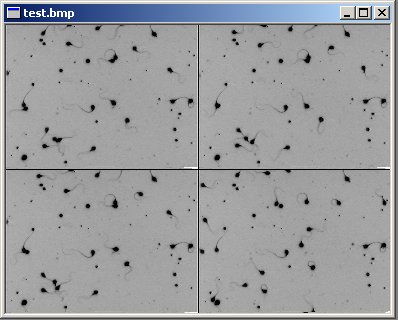
Abb. 5.1. Multi Image View displaying a sequence of 4 images.
To load images in several file formats such as TIFF, JPG or GIF you can use the import filter - menu: File / Import.
